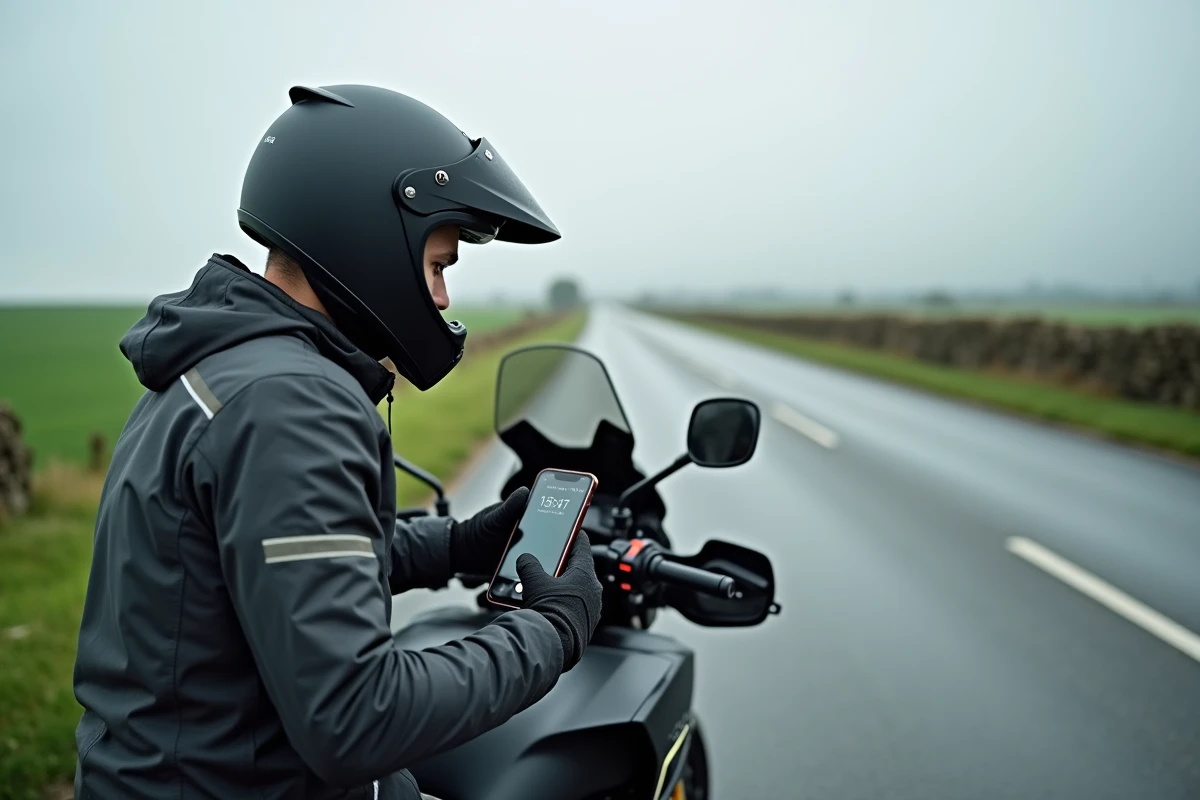
On a commute in an urban area, Waze by default calculates a route calibrated for a sedan. The result: wide streets, inflated travel times, and no consideration for the dimensions of a two-wheeler. Activating motorcycle mode on Waze changes the game for route calculation, but the process remains poorly documented and is often confused with a simple avatar change.
Vehicle type and motorcycle avatar on Waze: two distinct settings
This is the most common confusion in tutorials. Changing the icon that represents you on the map (switching from a car to a motorcycle) has no effect on the route calculation engine. The avatar is purely cosmetic.
The setting that matters is found elsewhere. You need to go to Settings, then Navigation, then Vehicle Type, and select Motorcycle. It is this setting, and this alone, that modifies how the algorithm processes your trip: vehicle dimensions, speed estimates, access to narrower roads.
The Waze team confirms this on its own help forums: only the vehicle type influences navigation, not the appearance of your cursor. A guide detailing the integration of motorcycle mode on Waze allows you to visualize each screen of the process if the menu seems buried.

What motorcycle mode concretely changes in Waze route calculation
Once the vehicle type is set to Motorcycle, three things change in the app’s behavior.
- Travel times become more realistic for a two-wheeler, especially in dense urban areas where lane splitting affects average speed.
- The algorithm may suggest narrow streets or paths inaccessible to cars, which can sometimes significantly shorten the route.
- The learning of your speed habits is separate from the car profile. If you use Waze in a car as well, the data does not mix.
In practice, it is observed that the routes suggested in motorcycle mode differ mainly in the city. On highways or national roads, the difference diminishes since dimensions matter less.
The impact of the decree on low-carbon routes
Since the implementation of decree n°2022-1199, Waze (like Google Maps) must highlight routes with the lowest carbon impact, not just the fastest ones. This filter also applies in motorcycle mode.
Specifically, Waze may suggest a slightly longer route but deemed less polluting, by avoiding fast lanes or favoring moderate speeds. No competing motorcycle guide mentions this mechanism, which explains why the suggested route does not always correspond to the shortest one.
Procedure to activate motorcycle mode on Android and iPhone
The process is identical on both systems, but the exact location of the menu varies slightly depending on the version of the app. Here is the standard path.
- Open Waze and tap on the main menu (the “My Waze” icon or the three lines at the bottom left).
- Access Settings via the gear icon, then select Navigation.
- Locate the “Vehicle Type” line and tap on it.
- Select Motorcycle from the list provided, then return to the map.
The change takes effect immediately: the next calculated route will take the motorcycle profile into account. No need to restart the app.
Check that the setting is active
A classic trap: after a Waze update, the vehicle type may revert to “Car” by default. It is recommended to check this setting after each major update of the app. A quick glance in Settings, Navigation, Vehicle Type is sufficient.
Limitations of Waze motorcycle mode and on-the-ground adjustments
The motorcycle mode improves the relevance of routes, but Waze remains an application designed for cars. Some constraints persist.
Lane splitting, for example, is not explicitly modeled. Waze adjusts travel times statistically but will never tell you “move up the line here.” Estimates remain approximate in the case of dense traffic.
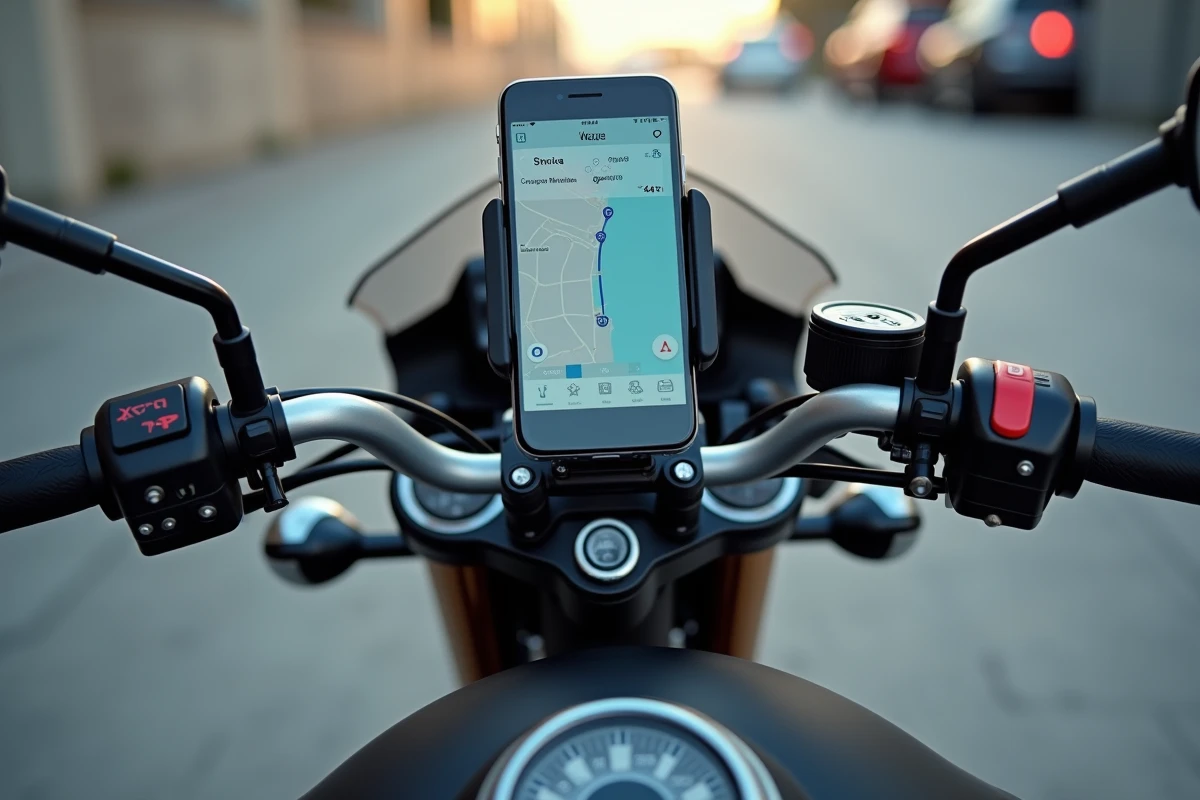
Battery consumption is another sensitive point. The phone mounted on the handlebars simultaneously manages the screen, GPS, and data connection. On a trip longer than an hour, the battery can drop quickly without external power. A USB cable connected to the handlebars or a mount with built-in charging solves the problem.
Low emission zones and Crit’Air sticker
If you ride in an urban area, remember to enter your Crit’Air sticker in the Waze settings. The app can then filter routes that cross low emission zones where your motorcycle would not be allowed to circulate. This setting is found in the same Navigation section of the settings.
Feedback varies on this point: some users report that the ZFE filtering works well in Paris or Lyon, while others notice inconsistencies in smaller cities. Keeping an eye on the signage remains prudent.
The motorcycle mode on Waze does not turn the app into a dedicated two-wheeler GPS, but it corrects the most annoying biases of the default calculation. The process takes about ten seconds. Check the setting after each update, and do not confuse avatar and vehicle type: this is the only mistake that nullifies all the benefits of the function.