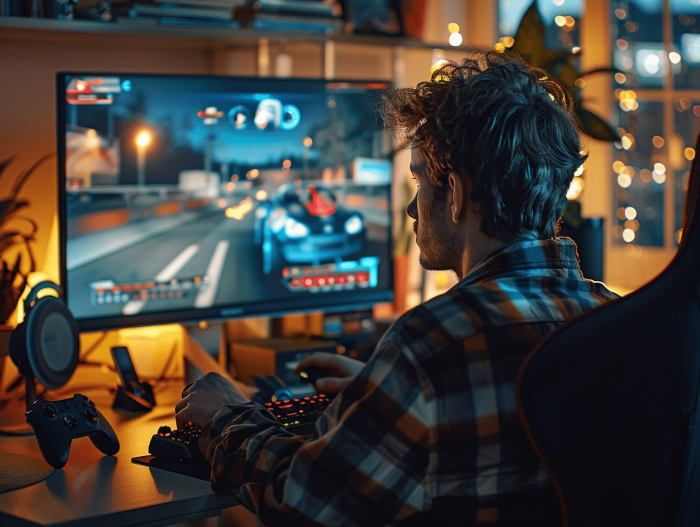
Rocket League, the thrilling fusion of football and remote-controlled cars, continues to captivate video game enthusiasts. To shine in this competitive universe, having the right tools is essential. Beginners often face technical and strategic challenges. However, with the right resources, even novices can quickly progress.
Quality game controllers provide unmatched precision, while high refresh rate screens ensure optimal fluidity. Online training and video tutorials offer valuable tips to refine skills. Mastering these elements can transform a casual player into a true ball-car virtuoso.
The essential settings to optimize your gameplay
Rocket League requires precise settings to ensure optimal performance. Professional players like Kronovi, Kaydop, Turbopolsa, and Flakes have shared their secrets for smooth gameplay. Here are the major adjustments to make:
Camera settings
Camera settings directly influence your perception of the field and the ball. Professionals recommend:
- Camera angle: between -3 and -5 degrees for a better overall view.
- Camera distance: around 270-300 to maintain a good distance from the car.
- Stiffness: adjusted to 0.45-0.65 for a balance between stability and responsiveness.
Control settings
Customize your controls for increased responsiveness. Players on PC, PS4, Xbox, and Switch can fine-tune their settings according to their preferences:
- Deadzone: reduce it for more precise movements, generally around 0.05-0.10.
- Air sensitivity: adjusted between 1.20 and 1.40 for better control of aerial maneuvers.
- Key binding: customize the buttons for quick and intuitive actions.
Graphics optimization
For maximum fluidity, adjust your graphic settings:
- Resolution: play in 1080p for visual clarity without compromising performance.
- Refresh rate: opt for 120Hz or higher for improved fluidity.
- Graphic details: lower shadows and effects to prioritize performance.
Also consider expert recommendations available on RL Insider to stay updated with the latest tips for Rocket League. Follow these tips to get closer to the performance of professional players like Kaydop and Turbopolsa, and make every match a demonstration of mastery.
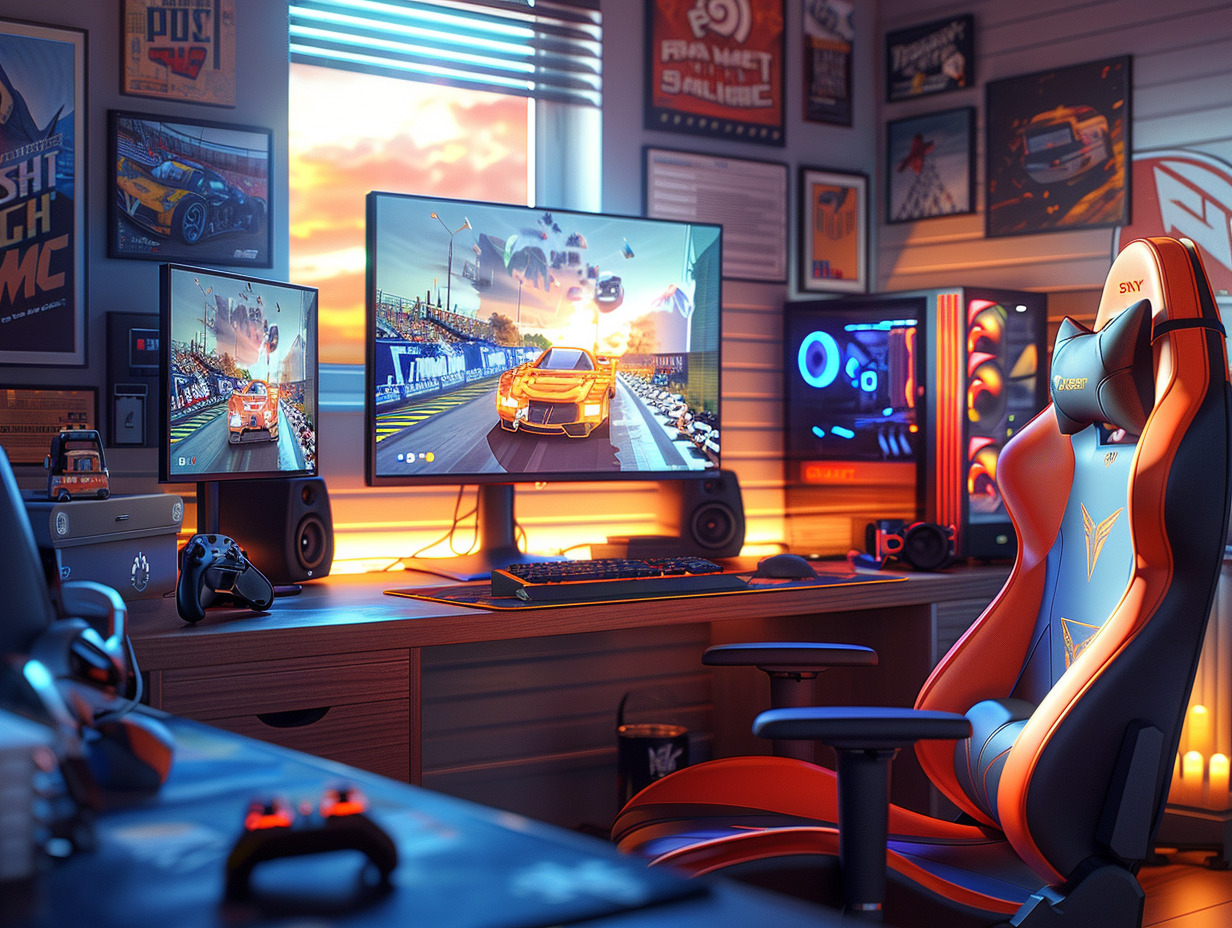
Recommended accessories for optimal performance
Controller choices
To reach a professional level in Rocket League, the choice of controllers is crucial. Professional players like Kaydop and Turbopolsa have specific preferences:
- Kaydop uses an Xbox One controller, appreciated for its robustness and ergonomic grip.
- Turbopolsa prefers the PS4 controller, known for its precision and sensitive analog sticks.
Also consider alternative controllers like the Xbox Elite controller for advanced customization.
Audio headsets
A good audio headset can make a difference during intense matches. Essential features include:
- Surround sound: to detect opponent movements.
- Quality microphone: for clear communication with your teammates.
- Comfort: for prolonged gaming sessions without discomfort.
Models recommended by pros include the SteelSeries Arctis 7 and the HyperX Cloud II.
Monitors
Visual responsiveness is fundamental for Rocket League. Opt for monitors with:
- High refresh rate: 144Hz or more for maximum fluidity.
- Fast response time: 1ms to minimize lag.
- Full HD resolution: for optimal clarity without sacrificing performance.
Models like the ASUS ROG Swift and the Acer Predator are often cited by high-level players.
Other accessories
To complete your setup, don’t forget:
- XXL mouse pad: for smooth and unrestricted movements.
- Ergonomic gaming chair: for optimal comfort and to prevent fatigue.
These accessories, combined with the right settings, will help you achieve optimal performance in Rocket League.